Turn a phone or tablet into a mobile check-in desk
No dedicated scanner, printer or special hardware is needed for check-in. Staff can get started with devices they already know.
↗From QR check-in to prize draws, surveys and stamp rallies,
one phone connects your entire event journey.
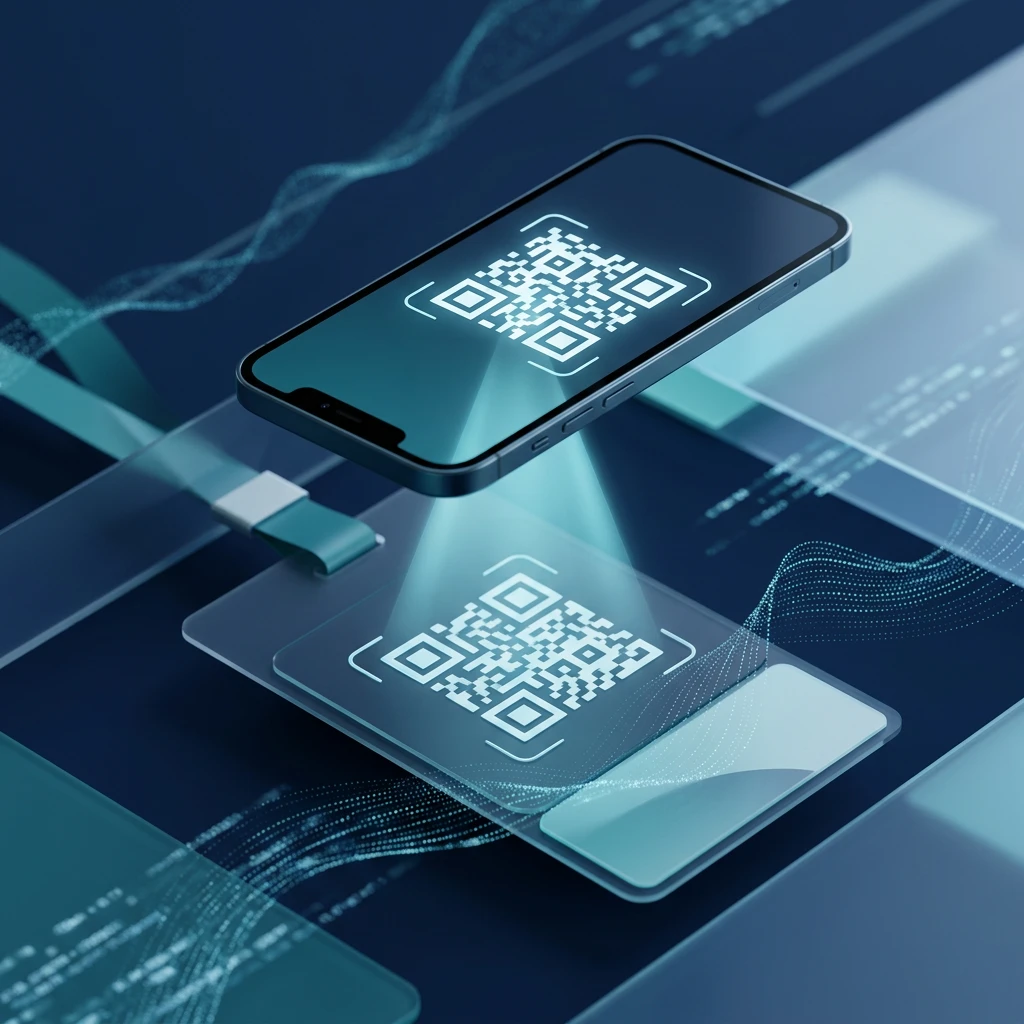
Check-in should welcome guests, not hold them up. QR Guide brings everyday event operations into a Mobile-Guide toolkit, so organizers, staff and attendees can spend less time waiting and more time enjoying the event.
From the first guest's arrival to the final session, give every step a clear path forward.
No dedicated scanner, printer or special hardware is needed for check-in. Staff can get started with devices they already know.
↗Scan, verify and check in in one smooth flow. Cloud reporting updates in real time, keeping organizers informed throughout the event.
↗From a morning forum to an evening banquet, staff simply switch sessions to keep check-in and attendance tracking moving.
↗No limits on staff logins or locations. Run check-in simultaneously across different entrances and floors at large events.
↗From company celebrations to campus fairs, combine modules around your event flow so every scan gives attendees a clear response.
Explore integrationsWhatever your event size, a clear workflow makes the difference. Flexible customization lets you combine the modules your event needs.
Review applicants, accept file uploads, offer time-slot choices and set capacity limits.
Connect registration, payments and check-in to reduce manual reconciliation.
Print attendee badges at check-in instead of searching through preprinted badges.
Support single-choice, multiple-choice and free-text questions with live reporting charts.
Run meeting votes and competition judging, with results ready for on-screen display.
Track completed checkpoints by scanning, then let participants redeem prizes.
Select winners randomly or apply custom eligibility conditions.
View attendance across multiple sessions and track event progress in one place.
Use the rear camera on a phone or tablet to scan QR codes and upload status updates quickly. Less hardware means more flexibility on the floor.
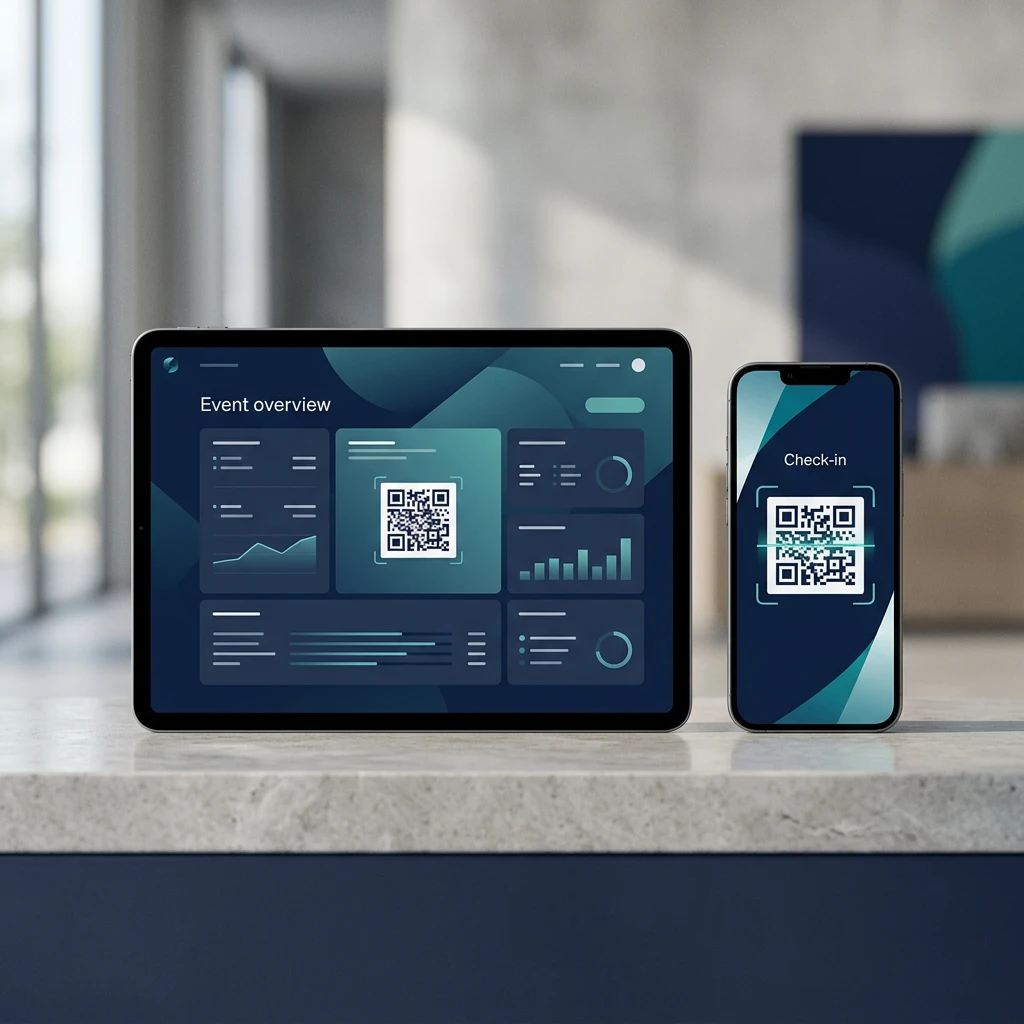
Start with a few basics about event size, sessions and operational steps. Together, we can map out the right integration.
QR Guide — Event Check-in Brief

Event name:
Event date:
Estimated attendance:
Sessions / entrances:
Required features (select all that apply):
□ QR code check-in / attendance
□ Registration & approval
□ Payment integration
□ Badge printing
□ Surveys / voting
□ Stamp rallies
□ Year-end party prize draws

Additional notes on devices and event flow:
Everything happens in your browser. This page does not store your data.
Share your event size, sessions and workflow to find the right solution.
Get the event briefNo need to prepare a complete specification. Tell us the problems you are facing, and we will clarify them together before discussing suitable solutions.